How to Accurately Classify a Log in your SaaS application?
Following my previous blog post on Audit Logs for SaaS Enterprise Customers, I’ve received a bunch of questions on what’s the difference between Audit Logs and other types of Logs you would typically encounter while developing a SaaS application. SaaS log monitoring has come a long way in recent years.
These questions brought back memories from my days as R&D manager at a cyber solution product, with product management discussions we used to have. Back then, while planning a certain feature for a sprint cycle, I remember that we needed to decide where a certain log would go. The question that always arose was simple: ”Where does this log belong?” But with the VP R&D, VP Product and Solution Architect in the room, we had at least as many opinions.
In this blog I’ll use examples to explain the different SaaS log management options. But before we jump in, let’s briefly list the different types of logs we will encounter in almost any SaaS application.
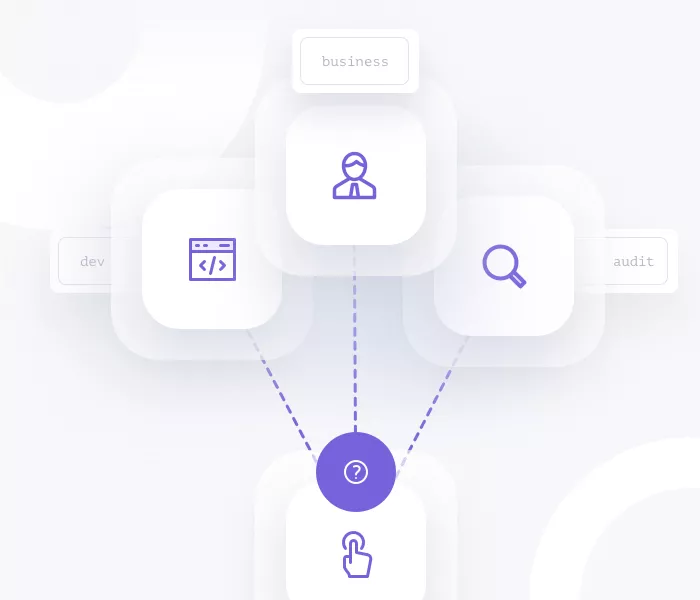
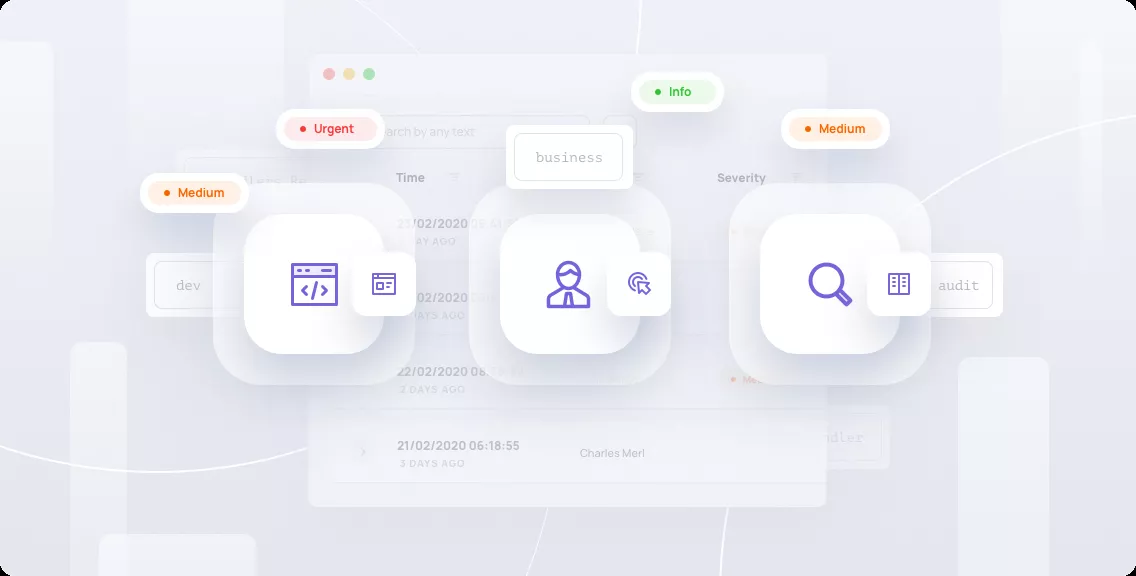
3 Types of Logs in a SaaS Application
Type 1: Developer Logs
This is probably the easiest one to grasp. TL;DR: log everything that happens on the backend of your SaaS application to a developer logs storage. Categorize by the level of importance (or severity), make sure you log the context — and that’s it. You should be all set.
- Scale — High. Since you log everything here, you can expect large numbers of logs. Consider using one of the standard SaaS logging service solutions for this one: ELK, Logz.io, Coralogix, etc.
- Retention — Medium. You should keep the logs for as long as you would want quick access to them for matters of traceability. Developer Logs are usually kept for 3 months and then either moved to cold storage or deleted.
- Personas & Use Cases — Developers, for traceability. They would be the main users, either directly by querying the logs storage or by using the logs in predefined SaaS log monitoring tools and alert systems.
- Privacy and Sensitivity — High. Business-wise, all your flows are described on these logs, so leakage could be devastating both to you and to your customer base.
- Compliance –
a. From the SOC2 aspect, (and similar) you cannot store PII in these logs.
b. From the GDPR aspect, (especially “the right to be forgotten” clause), you cannot store Personally Identifiable Information (PII) here since it will be very hard to allow the deletion of this data if the customer asks for it.
Type 2: Business Events
In this type of logs we usually refer to any kind of business-related output your product produces for your customer’s administrators or end-users. Usually, the characteristics of this log type depend on the type of product you’re managing.
Some examples:
A Cloud Security Permission and Identity Management product might have events like:
- Excessive permission detected for user John Doe
- John Doe has tried to act outside of his permission scope
- 10 redundant roles have been detected in your environment
An HR management product might have events like:
- Employee Jane Doe has 5 tremendous annual reviews in a row
- Jane Doe is showing signs of churn
See how easy it is
Learn first hand how easy it is to get your SaaS enterprise ready.
Book a demo nowAll of these are business-value events that your customers would love to know and be alerted about, since this is usually the core value they’re paying for.
- Scale — Depends on the product. You only log insights which are interesting for your users from a business perspective
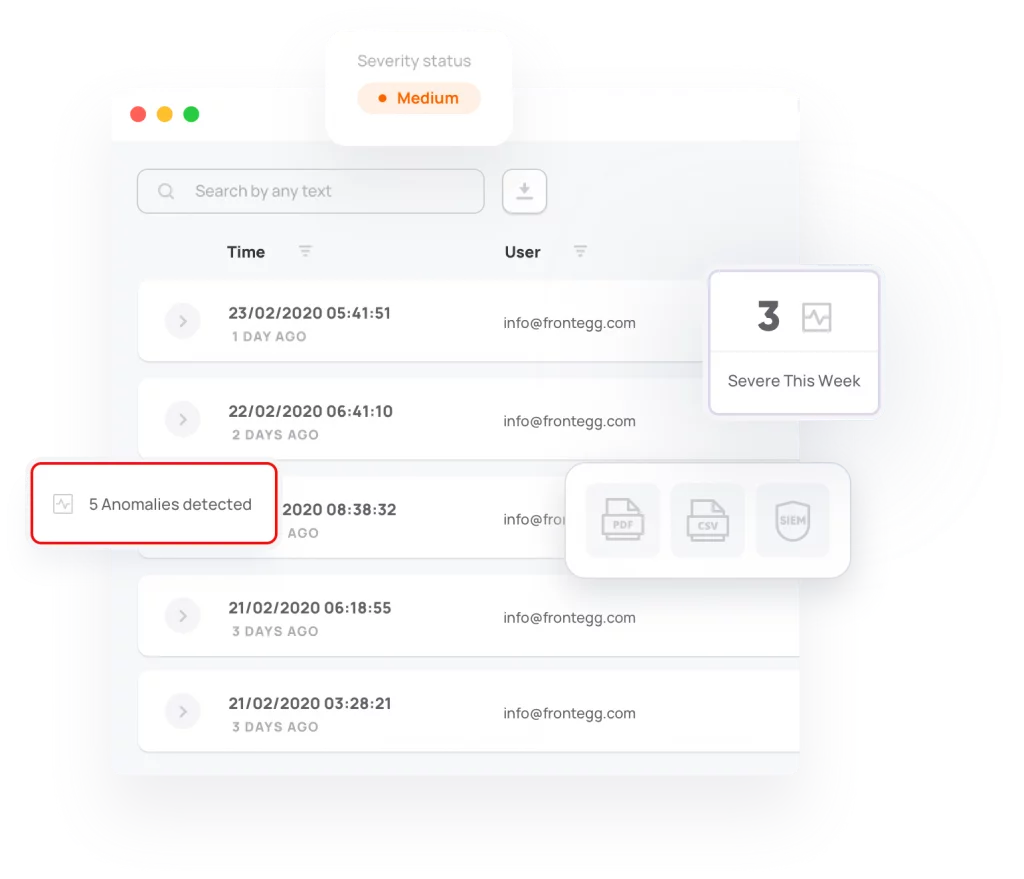
- Retention — High. Usually, you will keep these logs for a long time so you can access them if your customers need them. You might offer to extract those logs as files (Excel, CSV, PDFs, etc) or even to SIEM solutions such as Splunk, LogRhythm, QRadar, etc.
- Personas & Use Cases — Administrators and End-Users for business purposes. As mentioned in the examples above, this is the reason they pay for your product.
- Privacy and Sensitivity — High (depending on the product). Business-wise, this data is usually multi-tenant based. Hence, any kind of leakage can expose the organization to the type of data enrichment you handle. In cases of cybersecurity or cloud solutions, for example, this could be very sensitive.
- Compliance –
a. From the SOC2 aspect, (and similar) PII should be handled carefully and your customers should have control over who gets to see what. RBAC and ABAC concepts, as well as granular permissions and policies, should be used to make sure that only authorized personas can access the different types of data.
b. From the GDPR aspect, almost all seven core principles should apply, including “Data Minimization”, “Accuracy”, and others.

Type 3: Audit Logs
As described in my previous blog post, you would usually log everything that might be interesting to your customer’s administrators in terms of traceability of system actions and administrative manners in your product.
Classification Examples
User John has deleted a permission for user Jane
- Developer Log—Yep. Since you should log (almost) everything as a developer log, this would definitely go as a developer log. Severity would usually be “Info”.
- Business Event— Nope. Unless your core product centers around permissions and roles, this would not be classified as a business event.
- Audit Log — Yep. This would usually be an administrative action, so you should log it as an audit log.
Anomaly engine has detected an anomaly on John Doe’s email usage
- Developer Log — Yep. Engine events should be developer logged so that if an error occurs in one of the engine’s decisions, the developers can trace it back.
- Business Event — Yep. This is exactly the type of information your customers pay your SaaS product for.
- Audit Log — Not exactly. This one starts to be tricky. Usually, you wouldn’t log the specific engine’s finding as an Audit Log since this is not a specific administrative event in your system. But, it’s important to note that Beginning and Ends of your product’s engines total scan cycles should be logged in an audit log. Usually, you will have two audit logs for these types of events. The first will be “Anomaly engine scan started”, and the second: “Anomaly engine scan successfully ended”.
More Interesting Classifications
| Log | Developer Log | Business Event | Audit Log |
| 5 consecutive login attempt failures in any SaaS product | No (Not as a Raw log) | Depends (Whether this is your core value) | Yes |
| Phishing email detected in Email Security product | Yes (Info) | Yes | No |
| Server Error in password change in any SaaS product | Yes (Error) | No | No |
| User has accessed the main dashboard in any SaaS product | Yes (Info) | No | Yes |
| Bitcoin transfer was securely made in Blockchain security product | Yes (Info) | Yes | No |
SaaS Log Management is no Longer an Option
Every SaaS application requires 3 types of logs: Developer Logs, Business Events, and Audit Logs. Accurately classifying your logs is important since each one of the log types has different characteristics for retention, scale, who uses them and for what reason, and privacy & compliance aspects.
Logging as a Service (LaaS) is the name of the game today. This upcoming IT model basically collects, records, and documents all application-related activity to eliminate the need for manual labor and be fully prepared for internal or compliance audits. This is extremely crucial for organizations looking to scale up fast.
Frontegg provides a comprehensive LaaS solution for Audit Logs and Business event logging (coming soon), so your product can benefit from the highest level of scale, accurate retention, exporting to SIEM solutions, privacy, and compliance — all with a push of a button. Getting started was never easier.
Put this into practice with Frontegg
Frontegg is customer identity and access management (CIAM) for B2B SaaS. It's free up to 7,500 monthly active users, including 5 SSO/SCIM connections.
Start for freeThe Complete Guide to SaaS Multi-Tenant Architecture
Read the guide