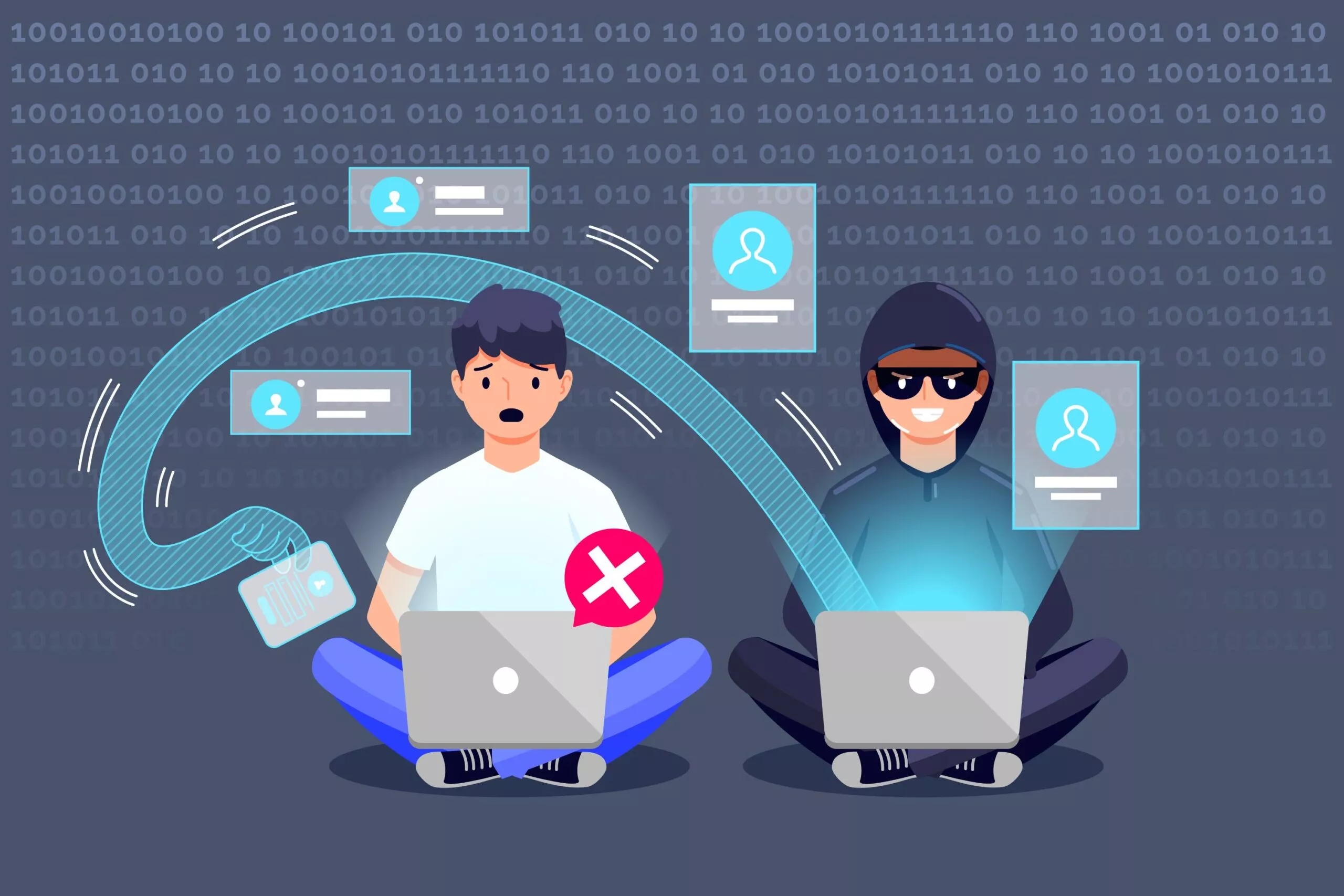
Credential stuffing is an automated attack that takes usernames and passwords leaked in one data breach and tries them on other websites, betting that people reuse passwords. It works because they do: in Verizon's 2025 Data Breach Investigations Report, only 49% of a typical user's saved passwords were unique, and stolen credentials were the way in for 22% of breaches.
The fastest ways to stop it are multi-factor authentication, checking passwords against known breaches, and detecting bots before they reach the login form.
Credential stuffing in numbers
- 19% of all sign-in attempts at the median organization were credential stuffing, rising to 25% at large enterprises, in Verizon's analysis of single sign-on logs from 2,301 organizations.
- 44% of attempts on the worst single day were credential stuffing.
- 22% of breaches in the 2025 DBIR started with compromised credentials.
Source: Verizon, 2025 DBIR research on credential stuffing.
What is credential stuffing?
Credential stuffing is a cyberattack that uses automated software to log in to many websites with stolen username and password pairs. The credentials usually come from earlier data breaches and are tested across other services, exploiting the habit of reusing the same password.
Any login form is a target, from streaming and retail accounts to banking and B2B SaaS apps. Attackers want whatever the account gives them: stored payment details, data they can sell, or a foothold inside a company's systems.
This is part of a series of articles about authentication.
How credential stuffing works
- Collect credentials. Attackers buy or download lists of username and password pairs from breaches, often millions at a time. Infostealer malware adds fresh passwords taken straight from users' browsers.
- Automate the logins. Bots try each pair against a target's login page or API. To avoid rate limits, they rotate through residential proxy IP addresses, fake browser fingerprints and use CAPTCHA-solving services.
- Find the hits. Most attempts fail, but at this volume even a small success rate means thousands of working accounts.
- Use or sell the access. Attackers drain stored value, steal data, make purchases, or resell working logins.
The impact of credential stuffing
For users, a stuffed account can mean fraudulent purchases, identity theft and lost data.
For the business, the costs add up quickly:
- Account takeover of customer or employee accounts, with access to sensitive data.
- Fraud and chargebacks when attackers use stored payment methods.
- Load and outages, because attack traffic can be a large share of all sign-ins.
- Support and compliance costs, from password resets and investigations to breach notifications.
- Lost trust, especially in B2B, where one compromised customer account can expose that customer's data.
Credential stuffing vs brute force vs password spraying
| Credential stuffing | Brute force | Password spraying | |
|---|---|---|---|
| What the attacker has | Real username and password pairs from breaches | A target username | A list of usernames |
| How it guesses | Tries each known pair once on a new site | Tries many passwords against one account | Tries a few common passwords against many accounts |
| Why it works | Password reuse | Weak or short passwords | Common passwords such as "Winter2026!" |
| Attempts per account | One or a few | Many | One or a few |
| Hard to spot because | Logins look like real users with correct-looking credentials | Rarely; volume per account is high | Low volume per account stays under lockout limits |
| Best defenses | MFA, breached-password checks, bot detection | Lockout and rate limits, MFA | Banning common passwords, MFA, monitoring across accounts |
7 ways to prevent credential stuffing
These are in priority order, following the OWASP Credential Stuffing Prevention Cheat Sheet.
1. Require multi-factor authentication, or go passwordless
MFA is the most effective defense: a stolen password alone no longer opens the account. If you can't require it for everyone, require it for risky sign-ins, such as a new device or location, and for sensitive actions. Better still, remove the password: passkeys and other passwordless methods give credential stuffing nothing to stuff.
2. Check passwords against known breaches
Reject passwords that already appear in breach data when users sign up or change their password, and check again at login. If a user's current password shows up in a breach, ask for MFA or a password reset before letting them in.
3. Detect and stop bots
Credential stuffing is automated, so stopping the automation stops the attack. Use bot detection that scores each request (IP reputation, browser and connection fingerprints, behavior) and challenge only suspicious traffic with a CAPTCHA. OWASP warns that CAPTCHA can be bypassed, so treat it as one layer, not the defense.
4. Rate-limit and lock out repeated failures
Limit login attempts per account, per IP address and per device, and slow down or block repeat failures. Lock an account after too many failed passwords, and give the real user a safe way to unlock it, such as an emailed link.
5. Use device, IP and location signals
Flag sign-ins from new devices, known-bad or anonymizing IP addresses, impossible travel (two locations too far apart for the time between logins) and countries you don't serve. Use these signals to trigger MFA, not just to block, so real users on a new laptop can still get in.
6. Monitor sign-ins and notify users
Watch for spikes in failed logins, many accounts tried from one IP or device, and successful passwords followed by failed MFA. Alert users about new-device sign-ins and suspicious activity, and show them their recent sessions so they can end the ones they don't recognize.
7. Help users stop reusing passwords
Encourage password managers and unique passwords, and don't force frequent password changes, which pushes people toward predictable patterns. User education helps, but it's the weakest control on this list, so don't rely on it alone.
Stopping credential stuffing with Frontegg
Frontegg's Security Center includes nine built-in security rules, each set to an action when it triggers: allow, challenge (require MFA), block, or lock the account.
| Frontegg security rule | What it does against credential stuffing | Actions |
|---|---|---|
| Bot detection | Scores sign-in traffic and stops malicious bots | Allow, Challenge, Block, Lock |
| Breached password | Rejects passwords found in breach data at sign-up and password change; can also check at login | Allow, Challenge, Block |
| Brute force protection | Blocks or locks after a set number of failed passwords, with an optional unlock email | Block, Lock |
| New device | Flags sign-ins from devices the user hasn't used before | Allow, Challenge |
| Suspicious IPs | Detects sign-ins from suspicious IP addresses | Allow, Challenge, Block, Lock |
| Impossible travel | Flags logins from locations too far apart in too little time | Allow, Challenge, Block |
| Country restrictions | Allows or blocks sign-ins by country | Allow, Block |
| Email credibility check | Accepts only valid, reputable email addresses at sign-up | Allow, Block |
| Stale users | Acts on accounts that have been inactive | Allow, Challenge, Block |
Rule overrides let you change a rule's action for specific users, tenants or IP ranges without changing it for everyone. For example, you can allow QA test accounts past bot detection, or challenge one tenant with MFA on breached passwords instead of blocking. Overrides are available for bot detection, breached password, device fingerprint and suspicious IPs.
Bot detection, MFA and passkeys are included on the free Pay as you go plan. Brute-force protection, new-device and suspicious-IP detection, impossible travel and stale-user detection are part of the Enterprise plan, and breached-password checks at login need a higher-tier plan. See Frontegg pricing for current plan details.
FAQ
What is the difference between credential stuffing and brute force?
Credential stuffing uses real username and password pairs stolen from other sites and tries each one once. Brute force guesses many passwords against one account until one works.
Does MFA stop credential stuffing?
Mostly, yes. With MFA, a correct stolen password isn't enough to sign in. OWASP calls MFA "by far the best defense" against password attacks. Attackers can still try to phish or fatigue users with MFA prompts, so phishing-resistant methods such as passkeys are stronger.
Is CAPTCHA enough to stop credential stuffing?
No. Attackers use CAPTCHA-solving services and AI to get past it. Use CAPTCHA as one layer, triggered only for suspicious traffic, together with bot detection, MFA and breached-password checks.
How do I know if my app is under a credential stuffing attack?
Look for a sudden rise in failed logins, many different accounts tried from the same IP addresses or devices, unusual login traffic from data-center or proxy IPs, and an increase in password-reset requests or account-takeover reports.
What should users do after a credential stuffing attack?
Change the password on the affected account and on every other site where they used it, turn on MFA, and use a password manager to create unique passwords from then on.
Put this into practice with Frontegg
Frontegg is customer identity and access management (CIAM) for B2B SaaS. It's free up to 7,500 monthly active users, including 5 SSO/SCIM connections.
Start for freeThe Complete Guide to SaaS Multi-Tenant Architecture
Read the guide